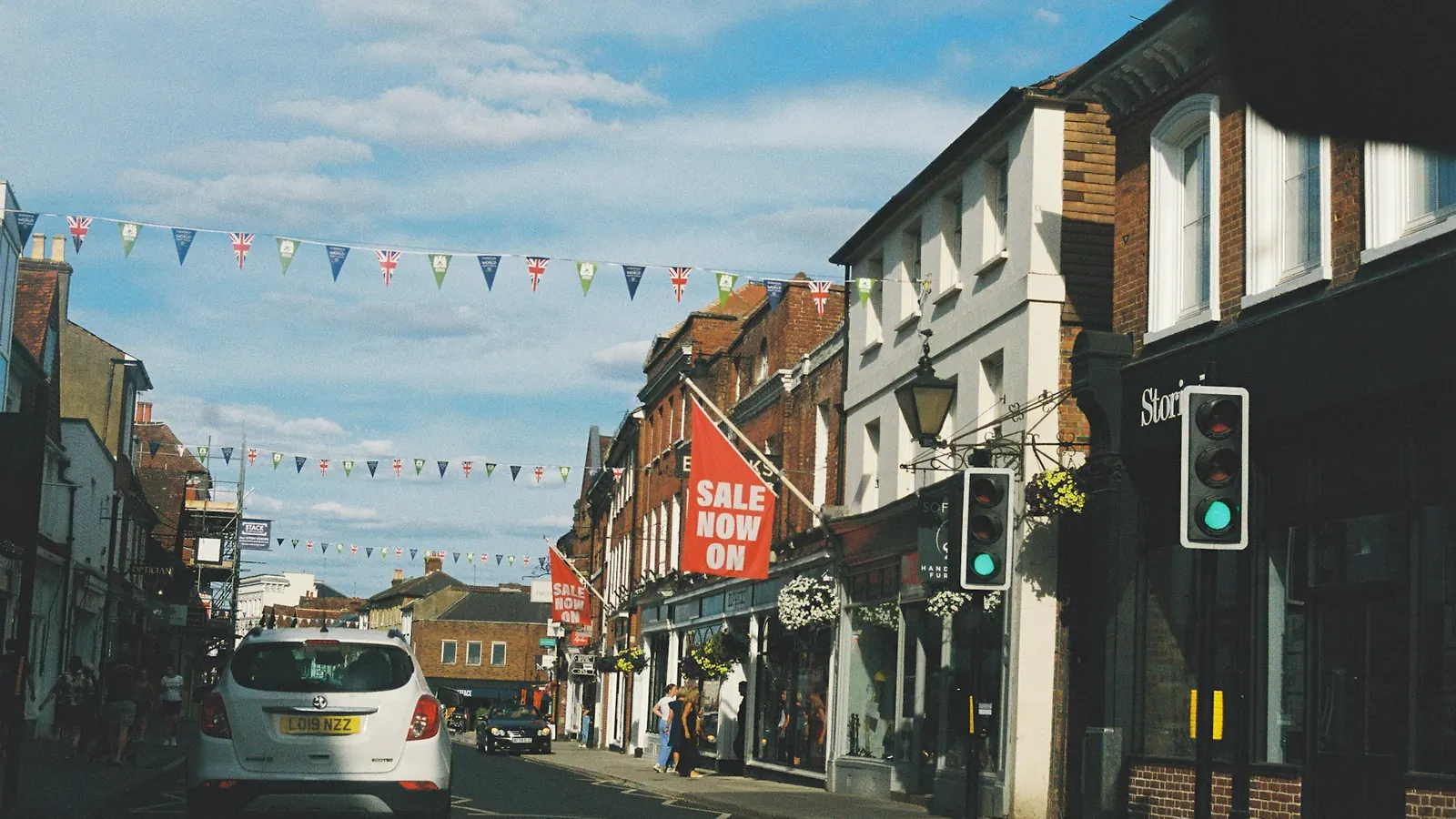
Local SEO is everything that helps a business show up when people nearby search for what it sells. It covers the map results with three businesses under them, the "near me" searches on phones, and the ordinary results for searches like "accountant in Manchester" or "roofer Austin TX". For a business that serves a town, a city or a region, it's usually the cheapest and most reliable source of new customers there is.
This guide pulls the whole topic together. Each section links to a more detailed article if you want to go further.
The short version
- Google ranks local results on three things: relevance, distance and prominence. You can influence two of them.
- Your Google Business Profile is the most important single asset. Set it up fully and keep it current.
- Reviews are the biggest prominence signal most small businesses can control.
- Your name, address and phone number should match everywhere they appear online.
- Your website still matters: clear service pages, useful location pages and a fast mobile experience.
- Local links and mentions from real organizations in your area build trust over time.
How does local search work?
When a search has local intent, Google usually shows a map with a short list of businesses, often called the local pack, above or among the normal results. Google says three things decide who appears:
| Factor | What it means | What you can do |
|---|---|---|
| Relevance | How well your business matches the search | Choose the right categories, describe your services clearly, build pages for each main service |
| Distance | How close you are to the searcher or the place named in the search | Little, apart from listing your service areas accurately |
| Prominence | How well known and trusted you are | Reviews, consistent listings, local links, press mentions, a strong website |
The map results and the ordinary results below them are related but separate. A business can rank well in one and not the other, so work on both.
1. How do you set up your Google Business Profile?
Your profile is what people see in the map results and on the right of the screen when they search your name. Claim and verify it, choose the most specific primary category that fits, and fill in every section: services, hours, description, photos, attributes and service areas. Our Google Business Profile guide walks through each step.
Treat it as a living page rather than a one-off job. Update hours before holidays, add new photos every month or two, and post occasional updates so it's clear the business is active.
2. How do reviews affect local rankings?
The number of reviews, how recent they are and your average rating all affect both ranking and whether people choose you. The businesses that win here aren't lucky. They ask every happy customer, at the right moment, with a direct link. See how to get more Google reviews for wording and timing that work within Google's rules.
Reply to every review. Short thanks for good ones; calm, specific replies to bad ones. Future customers read the replies.
3. What are citations, and why do consistent details matter?
A citation is any mention of your business name, address and phone number online: directories, map apps, industry sites, your chamber of commerce. Google uses them to confirm you're a real business at a real location. Mismatched details, like an old address on a directory, create doubt. Our guide to local citations covers which listings matter and how to clean up old ones.
4. What does your website need for local SEO?
Your profile links to your website, and Google looks at the site to understand what you do and where. The basics:
- A page for each main service, written for customers, not stuffed with town names.
- Your name, address and phone number in the footer, matching your profile exactly.
- A clear contact page with a map, hours and a click-to-call number.
- Fast loading on phones, since most local searches happen on one.
- LocalBusiness structured data, which our guide to schema markup explains.
If you serve several towns or have several branches, separate pages can help, but only if each one is actually useful. Our guide to location pages shows what that looks like.
5. What if you visit customers instead?
Plumbers, cleaners, mobile hairdressers and many consultants don't have premises customers visit. Google calls these service-area businesses, and they follow slightly different rules: you hide your address and list the areas you cover instead. See local SEO for service-area businesses.
6. What if you have more than one location?
Each staffed location can have its own profile, its own page and its own reviews. Managing them well is mostly about consistency and process. Our guide to SEO for multiple locations covers the setup.
7. How do "near me" searches work?
People type "near me" constantly, but you don't need to write it on your pages. Google already knows where the searcher is. What you need is a strong profile and a site that makes your location and services clear. Our article on "near me" searches explains what actually affects them.
8. Where do local links come from?
Links from websites in your area tell Google you're part of the local community. Sponsoring a local team, joining a business association, being listed by suppliers or getting a mention in local news all count. Our guide to local links lists the most realistic sources for a small business.
What should you do each month?
| When | Focus |
|---|---|
| Month 1 | Claim and complete your Google Business Profile. Fix your name, address and phone number on your website. |
| Month 2 | Set up the main citations and correct old ones. Start asking every happy customer for a review. |
| Month 3 | Improve service pages and add location pages where they make sense. Add structured data. |
| Month 4 onwards | Keep reviews coming in, add photos and posts, and work on two or three local links a quarter. |
Our local SEO checklist turns this into tick-box form.
How do you measure progress?
- The Performance section of your Google Business Profile: searches, calls, direction requests and website clicks.
- Google Search Console: which searches show your site and for which pages. See our Search Console guide.
- Calls and enquiries, asked "how did you find us?" and written down.
- Your position for a handful of important searches, checked from the right location. Results vary street by street, so look at trends, not single checks.
Official sources
Frequently asked questions
How long does local SEO take?
Fixing your profile and details can show results within weeks. Building reviews, links and prominence in a competitive area usually takes several months. See how long SEO takes for what affects the timeline.
Do I need a physical office?
No. Businesses that visit customers can have a profile as a service-area business. Purely online businesses with no face-to-face contact aren't eligible for a profile, but can still rank in ordinary results.
Is local SEO different in the UK and the US?
The principles are the same. The directories differ: Yell, Thomson Local and trade sites like Checkatrade matter in the UK; Yelp, the Better Business Bureau and Angi matter more in the US.
Should I pay for local ads instead?
Ads bring calls immediately but stop when you stop paying. Local SEO takes longer and keeps working. Many businesses use both. Our comparison of Google Ads and SEO goes into the trade-offs.
Want help with local search?
Our local SEO team manages profiles, reviews, citations and location pages for US and UK businesses. Run our free website audit for a quick check of your site, or book a call.
See it in practice · D2C / E-commerce
D2C brand 3.2x organic traffic in 6 months
Curious how your own site scores?
Run our free website audit. Simple report, about 10 seconds, no sign-up.