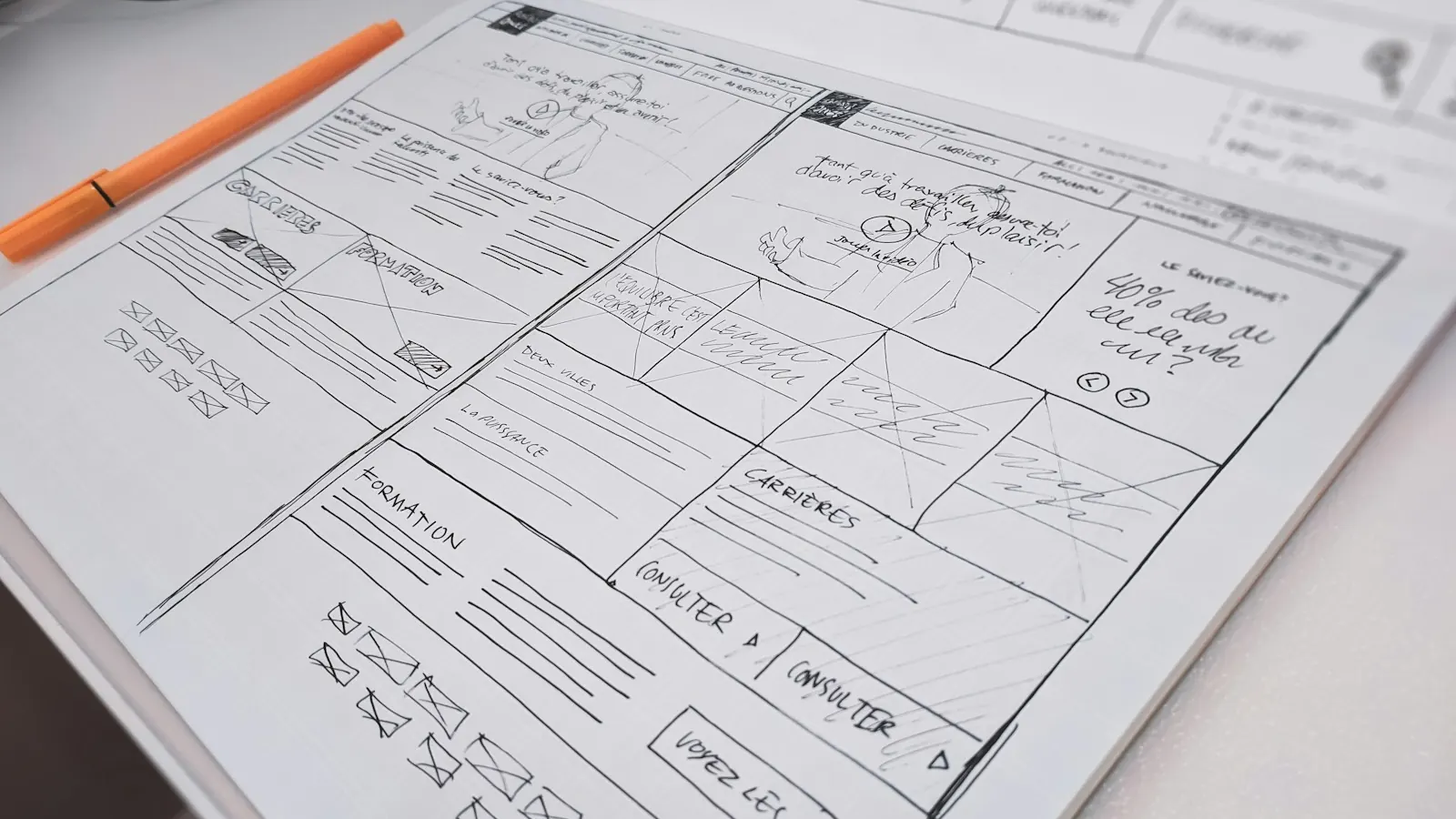
Part of our guide: Website redesign: the complete guide for small businesses ›
A website redesign checklist needs six phases, in this order: set goals and measure the current site, plan the structure and content, design, build, migrate without losing SEO, and monitor after launch. The redesigns we see go wrong almost always skipped the first phase or the fifth. They launch a nicer-looking site with no baseline to compare it against, and URLs that changed without redirects. Traffic drops, and nobody can say why. The 40 steps below are the list we work through on our own redesign projects.
Treat it as a working document rather than something to read once. Copy the tables into your project tracker and put an owner and a date next to every step. And don't call the project ready to launch until every step in phases five and six has a name beside it.
What should you do before redesigning a website?
This phase decides whether you'll ever be able to prove the redesign worked. Every number you record now is the "before" you'll compare against later, and once the old site is gone you can't go back and measure it.
| # | Step | Why it matters |
|---|---|---|
| 1 | Write down the business goal in one sentence, such as more demo requests or better lead quality | Every later decision is judged against it |
| 2 | Record the baseline: traffic, conversion rate, leads per month, and top landing pages for the last 12 months | Without it, you cannot show whether the new site performs better |
| 3 | Export every indexed URL from Search Console, your sitemap, and a full crawl | This list becomes the base of your redirect map |
| 4 | Identify the pages that earn organic traffic, backlinks, and conversions | These pages must be kept, improved, or redirected with care |
| 5 | Measure Core Web Vitals and page speed on your main templates | Sets a performance budget the new site must beat |
| 6 | Interview sales and support about what buyers ask before they buy | Shapes the content the new site needs |
| 7 | Review three to five competitor sites | Shows what buyers will compare you against |
| 8 | Agree the budget, timeline, decision-makers, and who signs off each phase | Slow approvals are a common reason projects slip |
We go into the baseline in more detail in The web performance audit we run before any redesign, including how we set the performance budget.
How do you plan the structure and content of a redesign?
This is where most of the thinking happens, and it's the phase people are most tempted to rush so they can get to design.
| # | Step | Why it matters |
|---|---|---|
| 9 | Run a content audit: decide to keep, improve, merge, or remove every page | Stops weak pages from being copied across by default |
| 10 | Draft the new sitemap and navigation | Defines what buyers can find and how pages link together |
| 11 | Map target keywords to pages, one main topic per page | Prevents two pages competing for the same search |
| 12 | Plan the page templates you need: home, service, case study, article, contact | Fewer, better templates keep design and build manageable |
| 13 | Assign an owner and deadline for every page of copy | Late content is the most common reason launches slip |
| 14 | Write or rewrite copy before design is finalized | Designing around real words avoids layouts that do not fit |
| 15 | Plan calls to action and forms for each page type | Every page should have a clear next step |
Step 13 deserves a second look. In our experience, more launches slip because of copy that arrives late than because of anything technical.
What should the design phase cover?
| # | Step | Why it matters |
|---|---|---|
| 16 | Create wireframes for each template | Agrees structure before anyone debates colors |
| 17 | Design mobile layouts alongside desktop, not after | Mobile is how much of your audience will first see the site |
| 18 | Build a small design system: type scale, colors, buttons, form fields, and spacing | Keeps new pages consistent long after launch |
| 19 | Check color contrast, focus states, and font sizes against WCAG 2.2 AA | Accessibility is far cheaper to design in than to retrofit |
| 20 | Prototype the main journeys, such as home to service page to contact | Catches confusing paths before they are built |
| 21 | Plan real photography or illustration rather than generic stock | Specific imagery builds more trust with buyers |
What belongs on the development checklist?
| # | Step | Why it matters |
|---|---|---|
| 22 | Choose the CMS and hosting early, and avoid changing it mid-project | A late platform change is one of the most expensive changes you can make |
| 23 | Build on a staging site that search engines cannot index | Stops half-finished pages appearing in Google |
| 24 | Set up unique page titles, meta descriptions, and one H1 per page | The basics of on-page SEO, often lost in migration |
| 25 | Add structured data where it applies: organization, articles, breadcrumbs, FAQs | Helps search engines understand the pages |
| 26 | Optimize images: modern formats, correct sizes, lazy loading below the fold | Images are often the biggest cause of slow pages |
| 27 | Connect forms to your CRM and test every one end to end | Lost form submissions are lost leads |
| 28 | Install analytics and conversion tracking, and test every event before launch | Without tracking, you cannot compare the new site to the baseline |
| 29 | Test on real phones and the main browsers | Emulators miss problems that real devices show |
How do you redesign a website without losing SEO?
This phase is the SEO migration plan, and it's the part we most often find missing from redesign proposals. A redesign doesn't have to cost you rankings. When it does, the cause is nearly always one of three things: URLs changed without redirects, pages that earned traffic were deleted, or the new site went live with indexing still blocked. Google's own guidance on moving a site with URL changes recommends permanent server-side redirects from each old URL to its new equivalent.
| # | Step | Why it matters |
|---|---|---|
| 30 | Build a redirect map: every old URL to its closest new URL, with 301 redirects | Passes visitors and search signals to the new pages |
| 31 | Avoid redirect chains and never send every old page to the home page | Chains slow crawling, and mass home page redirects are treated like missing pages |
| 32 | Keep or improve the content on pages that rank, rather than cutting it | Ranking pages lose position when their content shrinks |
| 33 | Update internal links to point straight at the new URLs | Saves crawlers and visitors a redirect hop |
| 34 | Check canonical tags, robots.txt, and noindex settings on the live build | A staging "noindex" left on at launch can remove a site from Google |
| 35 | Generate a new XML sitemap and submit it in Search Console on launch day | Helps Google find the new structure quickly |
If your current site gets meaningful organic traffic, have someone other than the builder check steps 30 to 35. It's much easier to spot a mistake in work you didn't do yourself. That's the reason our technical SEO audits include migration checks.
What should you check after launching a redesigned website?
| # | Step | Why it matters |
|---|---|---|
| 36 | Crawl the live site for broken links, redirect errors, and missing pages | Catches problems in the first hours, not weeks later |
| 37 | Test the top 50 old URLs by hand to confirm each redirects correctly | The pages that matter most deserve a manual check |
| 38 | Watch Search Console daily for two weeks for crawl and indexing errors | Early warnings are easier to fix |
| 39 | Compare traffic, conversions, and Core Web Vitals with the baseline at 30, 60, and 90 days | Shows whether the redesign met its goal |
| 40 | Keep a post-launch backlog of fixes and improvements | A new site is the start of improvement, not the end |
Expect some movement in rankings for a few weeks after a migration. That part is normal. A fall that keeps going after that usually points to a redirect, indexing, or content problem, and steps 36 to 38 are how you find it.
Example: applying the checklist to a mid-sized site
Here's an illustrative scenario, not a real client. A 50-person B2B services company has a 40-page website and 120 blog posts, and most of its leads come from organic search. It wants a new design and clearer service pages.
The content audit in step 9 shows that 30 of the blog posts get no traffic and repeat topics that stronger posts already cover, so those 30 are merged into the stronger posts and redirected. The keyword map in step 11 turns up two service pages competing for the same search, so they become one page. The redirect map in step 30 covers all 160 old URLs, merged posts included, each pointing at its closest match. After launch, the team checks the top 50 URLs by hand and finds three redirects going to the wrong page. They fix them the same day. At 90 days they compare leads and organic traffic with the baseline from step 2.
Good structure can do more than protect what you have. For one of our clients, a D2C brand, we rebuilt the site's information architecture into seven category hubs, resolved 280 orphaned URLs and canonical conflicts, and cut listing page load times by about 1.4 seconds. Organic sessions grew 3.2 times in six months. The full story is in our case study D2C brand 3.2x organic traffic in 6 months.
Website redesign process: who does what?
A redesign needs several different skills, and the gaps between people are where steps get dropped. Give each phase an owner before you start.
| Phase | Usually led by | Must involve |
|---|---|---|
| Goals and baseline | Marketing lead | Sales, analytics |
| Structure and content | Content strategist or marketing lead | Subject experts, SEO |
| Design | Designer | Marketing lead, developer |
| Build | Developer | SEO, analytics |
| SEO migration | SEO specialist | Developer |
| After launch | Marketing lead | SEO, developer |
Still working out scope and budget? Our guide What drives the cost of a B2B website redesign? explains which line items to expect in a proposal, and why technical SEO and content migration should always be on the list.
Frequently asked questions
Does a website redesign affect SEO?
It can, either way. Changed URLs without redirects, deleted content, and indexing mistakes cause drops. A clearer structure, faster pages, and better content can lift rankings. The migration steps above are what decide which way it goes.
How long does a website redesign take?
A focused redesign of a small or mid-sized business site usually takes two to four months from planning to launch. Bigger sites with lots of content, integrations, or a platform change take longer. Late content from the client side is the most common reason for delays.
Should I change my URLs during a redesign?
Only if there's a clear benefit, like a messy structure that confuses visitors. If your URLs are already clean and descriptive, keeping them removes most of the migration risk in one go.
What is a redirect map?
A spreadsheet listing every old URL and the new URL it should point to. You build it before launch, set it up as 301 redirects, and test it after launch.
How soon after a redesign will traffic recover?
If the migration was done well, any dip is usually small and short. If traffic is still falling after several weeks, check the redirects, the indexing settings, and whether content was removed from pages that used to rank.
Do I need a new website or just a redesign?
If your platform and structure still work and only the design looks dated, a refresh may be all you need. If your positioning has changed, the site is painful to edit, or it no longer turns visitors into enquiries, a full redesign is usually worth it.
The short version
Work through six phases: goals and baseline, structure and content, design, build, SEO migration, and post-launch monitoring. Record the baseline before anything changes, sort out content before design, and treat the redirect map and indexing checks as things that block launch, not nice extras. If you'd like help planning or running a redesign, our website development team works with businesses worldwide and starts every project with an audit of the current site, so the plan is built on your real numbers.
See it in practice · FinTech
FinTech KYC review cut from 5 days to 4 hours
Curious how your own site scores?
Run our free website audit. Simple report, about 10 seconds, no sign-up.