Part of our guide: UK small business tax: the complete guide for sole traders and limited companies ›
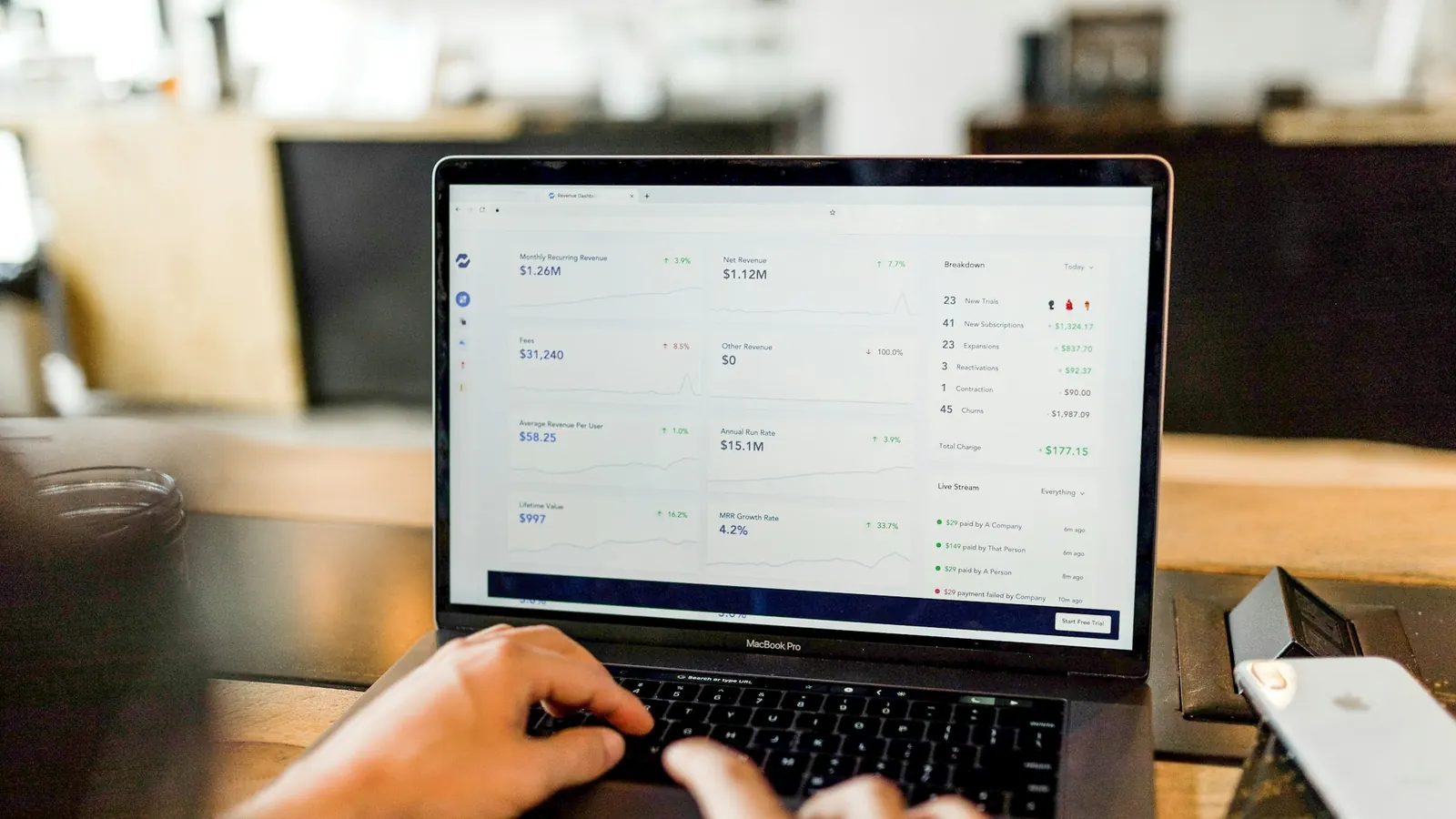
To use Making Tax Digital for Income Tax, you need software that HMRC recognises as compatible. It has to keep digital records of your income and expenses, send quarterly updates to HMRC, and submit your final tax return after the year ends. You can use full accounting software, a simpler app built for sole traders and landlords, or your own spreadsheet connected to HMRC through bridging software.
HMRC doesn't provide its own software. You choose a product from its list of compatible software, and some of them are free for simple businesses.
The short version
- Who: sole traders and landlords with qualifying income over £50,000 from April 2026, over £30,000 from April 2027 and over £20,000 from April 2028.
- What: HMRC-compatible software that keeps digital records and sends quarterly updates.
- Options: accounting software, a simple sole trader app, or a spreadsheet with bridging software.
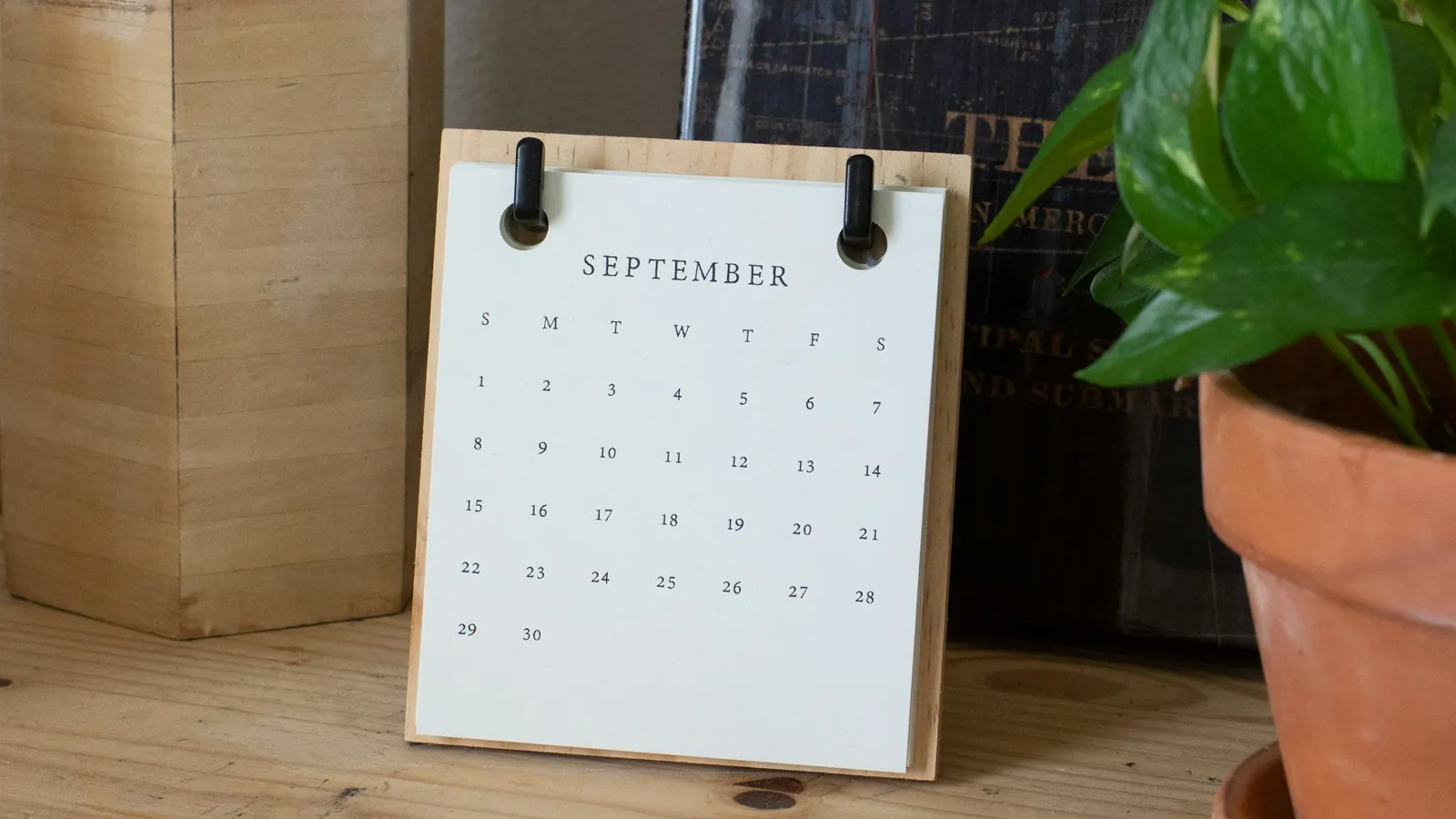
- Quarterly updates are due on 7 August, 7 November, 7 February and 7 May.
- The final return and payment are still due by 31 January.
What the software has to do
- Keep a digital record of each business transaction: the date, the amount and the category.
- Send a quarterly update to HMRC, which is a summary of your income and expenses for the quarter so far.
- Show you an estimate of your tax as the year goes on.
- Submit your final declaration, the return that replaces the old Self Assessment return for that income.
You don't have to send receipts or file quarterly accounts. The quarterly update is a summary, and you can correct it in the next update or in the final return.
Your options
| Option | Suits | Watch out for |
|---|---|---|
| Full accounting software | Businesses with invoices, bank feeds, VAT or staff | Monthly cost; more features than you may need |
| Simple sole trader or landlord app | One business or a couple of rental properties with straightforward income | Check it handles all your income types |
| Spreadsheet plus bridging software | People who already keep good spreadsheets and want to carry on | Spreadsheet errors; the bridging tool must be HMRC-compatible |
| Your accountant's software | Anyone who'd rather hand it over | Agree who sends each update, and when |
How to choose
- 1Start with HMRC's list of compatible software. Anything not on it can't send your updates.
- 2Check it handles every income source you have, such as self-employment and UK or foreign property.
- 3Check it connects to your bank, so transactions arrive automatically.
- 4If you're VAT-registered, choose something that also handles Making Tax Digital for VAT.
- 5Ask your accountant which products they work with, so you can share access.
- 6Try it with a few weeks of real transactions before the first quarter you have to report.
The quarterly deadlines
| Quarter (standard periods) | Update due |
|---|---|
| 6 April to 5 July | 7 August |
| 6 April to 5 October | 7 November |
| 6 April to 5 January | 7 February |
| 6 April to 5 April | 7 May |
| Final declaration and payment | 31 January after the tax year |
HMRC has said it won't give penalty points for late quarterly updates in the 2026 to 2027 tax year, but the updates are still required, and the usual penalties apply to a late final return or late payment. Our guide to Making Tax Digital for Income Tax covers who's affected and when.
Switching over without stress
- Open a separate bank account for the business if you haven't already. It makes digital records much easier.
- Connect the account to your software so most transactions come in automatically.
- Set up categories that match the expenses you claim. Our guide to allowable expenses lists the usual ones.
- Spend ten minutes a week categorising. Quarter-end then takes minutes, not a weekend.
Official sources
- Choose the right software for Making Tax Digital for Income Tax (GOV.UK)
- Find out if and when you need to use Making Tax Digital for Income Tax (GOV.UK)
Frequently asked questions
Is there free Making Tax Digital software?
Yes, some compatible products are free for simple businesses, often with limits on the number of transactions or income types. HMRC's software list lets you filter for free options.
Can I keep using spreadsheets?
Yes, as long as you connect the spreadsheet to HMRC with compatible bridging software. Copying figures by hand into HMRC's systems isn't allowed under Making Tax Digital.
Can my accountant send the updates for me?
Yes. Many people give their accountant access to their software and let them send each quarterly update and the final declaration.
Want it handled for you?
Our bookkeeping team keeps digital records up to date, and our business tax team sends quarterly updates and final returns for sole traders and landlords. Book a call.
See it in practice · Healthcare
Healthcare practice scaled bookkeeping across 12 locations
Curious how your own site scores?
Run our free website audit. Simple report, about 10 seconds, no sign-up.